Welcome to Milkboy Tech Blog
Insights on Software Engineering, DevOps, Containerization, and Agentic AI Systems.

When building or choosing a PC for local AI image generation, the main trade-offs come down to cost, system RAM vs. VRAM, memory bandwidth, and generation latency. How does a low-power Intel Core i3-1220P CPU with 8GB RAM perform compared to dedicated gaming GPUs like an RTX 3060 or RTX 4090? In this comparative benchmark, we test 5 distinct hardware tiers to see real-world render speeds, memory limits, and recommended settings for each setup.

Can you actually run local AI image generation on a basic laptop with an Intel i3 processor and only 8GB of RAM? The short answer is yes. While standard Python frameworks like AUTOMATIC1111 or ComfyUI will run out of memory (OOM) on 8GB RAM setups, C++ inference engines like stable-diffusion.cpp let you generate clean images right on your CPU. Here is a practical, step-by-step walkthrough for setting up and optimizing Stable Diffusion on an Intel Core i3-1220P (10 cores: 2 P-cores + 8 E-cores) paired with 8GB RAM.

Want to understand how Stable Diffusion generates high-quality images from simple text prompts, and what hardware you actually need to run it yourself? Unlike proprietary cloud tools like Midjourney or DALL-E, Stable Diffusion is open-weight. That means anyone can download the model, run it locally on consumer hardware, or deploy it on their own servers for free. In this breakdown, we’ll explore how latent diffusion works under the hood, compare the main model families, look at minimum and recommended hardware specs, and survey the open-source ecosystem.

A step-by-step beginner-friendly guide to setting up and deploying Grav CMS using docker-lamp-grav on Linux VPS, macOS, and Windows environments.
AI Alphabet Soup: A Fast, Fun Guide to Generative AI Models "AI" gets used as one giant catch-all word, which is a bit like calling every vehicle on the road "a car." Let's sort the traffic. First, the Three Big Buckets Almost everything people mean by "AI" falls into one of three nested...
Ollama on Intel Celeron, Part V: Deconstructing Chain-of-Thought (CoT) Pitfalls, KV-Cache Latencies, and System Rule Defenses In Part IV of this series, we benchmarked local LAN and Tailscale mesh network latency for grav-ai-chatbot, proving that network transport was fast and reliable. But...

Benchmarking Ollama Over Tailscale & LAN: Squeezing Sub-Second Latency Out of the Grav AI Chatbot In Part III of this series, we built a 5-tier pipeline for grav-ai-chatbot, running local AI search on a 6-Watt Intel Celeron laptop. But once real traffic started hitting it from different dev...
From Toaster to Supercomputer: A Field Guide to Qwen 3, Size by Size Somewhere between "runs on a Raspberry Pi" and "needs its own power substation" sits an entire universe of AI models, and almost nobody explains what actually changes as you climb that ladder. So let's climb it — using Qwen 3,...

Fast, Local, and 6-Watt Powered: Squeezing an AI Chatbot into Grav CMS In the previous article, Self-Hosting Local AI on a Celeron N4100 Laptop, I proved that a low-spec, 6-Watt Celeron laptop with 8 GB of RAM could comfortably run Ollama and serve lightweight models like Qwen2.5 (0.5B)....
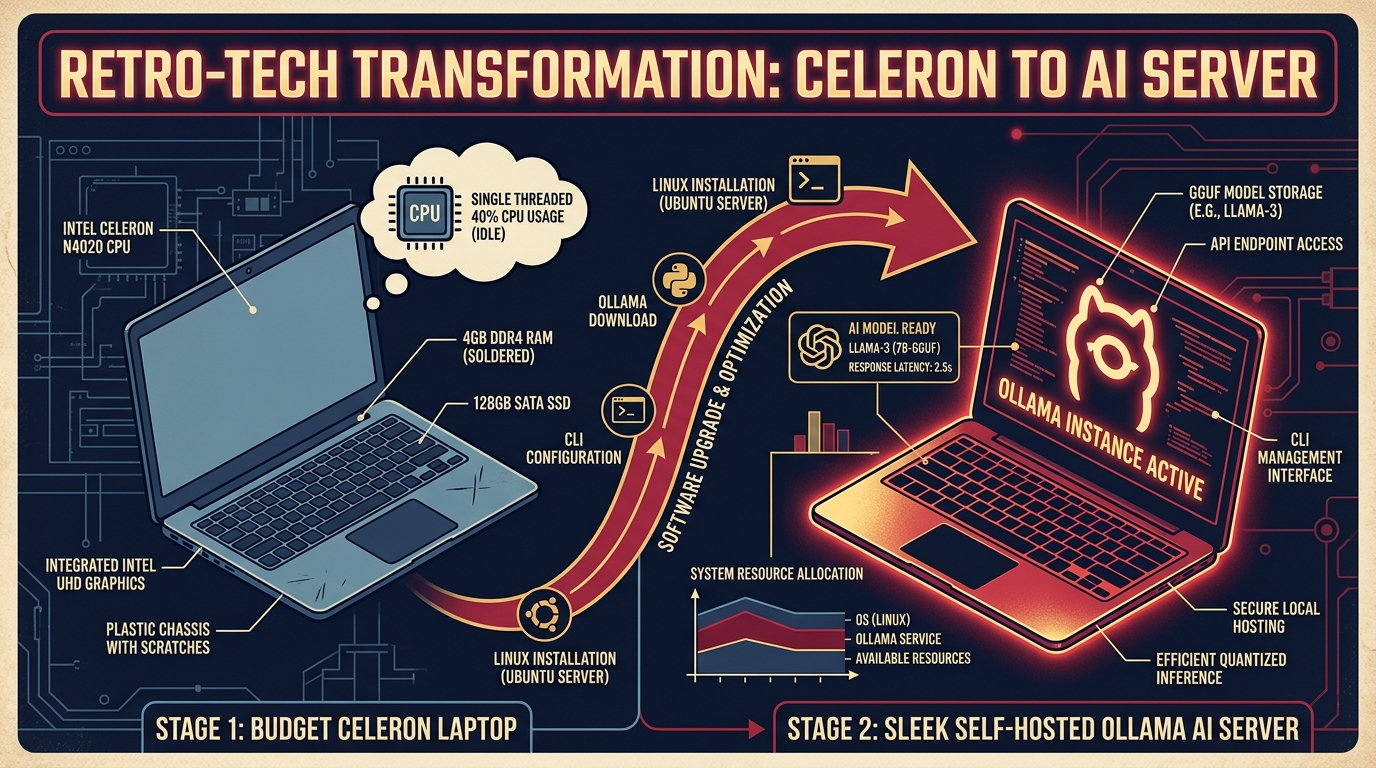
Self-Hosting Local AI on a Celeron N4100 Laptop: A Step-by-Step Guide (Yes, Really) The premise: you've got a spare budget laptop gathering dust in a drawer — an Intel Celeron N4100 with 8 GB of RAM. You want to turn it into a private, self-hosted AI server using Ollama. Is it ridicul...