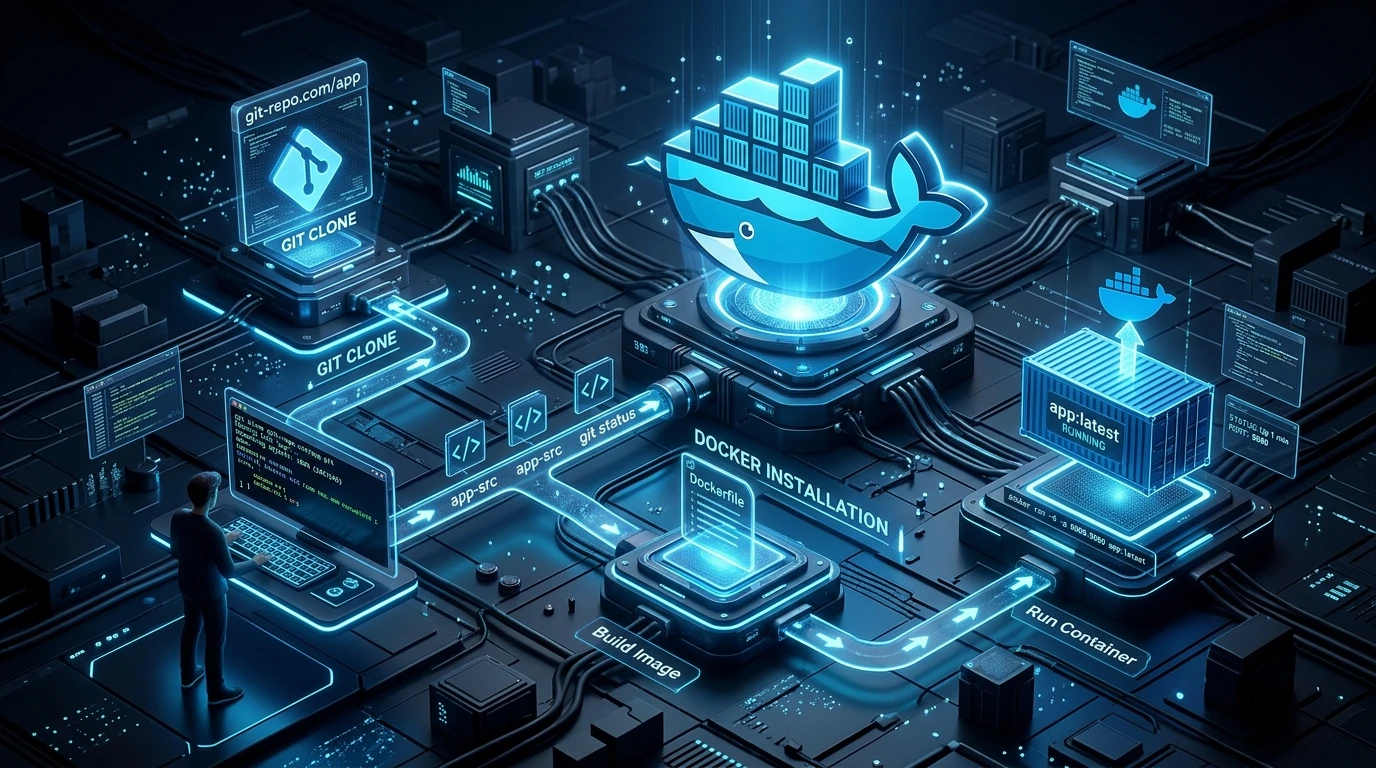
A step-by-step beginner-friendly guide to setting up and deploying Grav CMS using docker-lamp-grav on Linux VPS, macOS, and Windows environments.
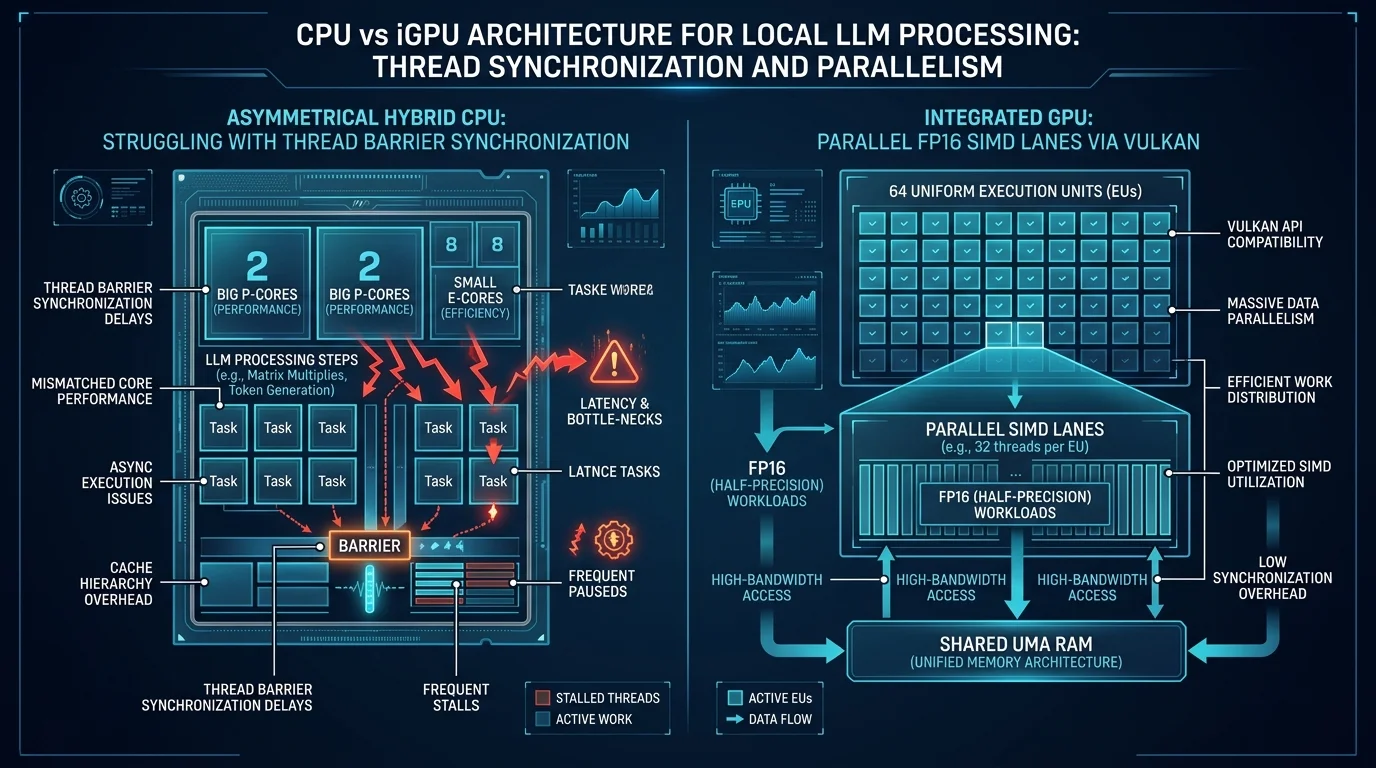
If you have spent five minutes lurking on Reddit, Hacker News, or local LLM Discord channels, you have heard the dogma: "If you do not have a discrete NVIDIA GPU, do not bother with GPU offloading. Integrated graphics have no VRAM, share your system RAM, and will just slow you down. Stick to CPU with AVX2." Even AI assistants will regurgitate this textbook wisdom with absolute confidence. They will cite memory bandwidth equations, point out your modest 64 Execution Units, and politely tell your Intel UHD graphics to go sit in the corner. There was only one problem: when we actually tested it on real hardware, the integrated GPU was noticeably and consistently faster than the CPU alone.
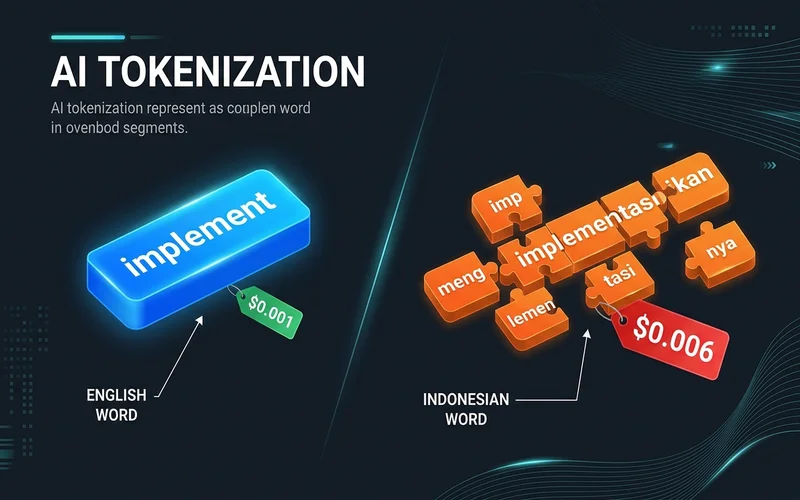
Over the past three years, AI in software development has undergone a massive structural transition. We have moved from simple single-line autocomplete widgets to conversational chatbots, and now into autonomous agentic software engineering systems. Modern agents possess the capability to execute terminal commands, inspect system logs, diagnose kernel panics, invoke specialized subagents, and stage production changes. Yet, many engineering teams struggle with autonomous agents: agents frequently wander off-task, take dangerous architectural shortcuts, silently overwrite working files, or hallucinate non-existent libraries. The key to unlocking the true power of autonomous coding environments like Google Antigravity lies in adopting the Directionless Genius Intern Mental Model and instituting rigorous workspace governance.

Enterprise Resource Planning (ERP) platforms represent the operational nervous system of modern business. Yet, the vast majority of Indonesian enterprises find themselves trapped in an escalating SaaS subscription crisis: fragmented point solutions, vendor lock-in, data sovereignty vulnerabilities, and fragile third-party integrations that fail during internet cuts. In this architectural deep dive, we explore how MilkTechERP was engineered as an air-gapped, sovereign business operating platform—unifying multi-tenant PostgreSQL schema isolation, complete Indonesian statutory compliance (PPh 21 TER, BPJS, e-Faktur 4.0), a zero-open-port encrypted mesh, and immutable cryptographic Merkle WORM ledgers.
When building or choosing a PC for local AI image generation, the main trade-offs come down to cost, system RAM vs. VRAM, memory bandwidth, and generation latency. How does a low-power Intel Core i3-1220P CPU with 8GB RAM perform compared to dedicated gaming GPUs like an RTX 3060 or RTX 4090? In this comparative benchmark, we test 5 distinct hardware tiers to see real-world render speeds, memory limits, and recommended settings for each setup.
Can you actually run local AI image generation on a basic laptop with an Intel i3 processor and only 8GB of RAM? The short answer is yes. While standard Python frameworks like AUTOMATIC1111 or ComfyUI will run out of memory (OOM) on 8GB RAM setups, C++ inference engines like stable-diffusion.cpp let you generate clean images right on your CPU. Here is a practical, step-by-step walkthrough for setting up and optimizing Stable Diffusion on an Intel Core i3-1220P (10 cores: 2 P-cores + 8 E-cores) paired with 8GB RAM.
Want to understand how Stable Diffusion generates high-quality images from simple text prompts, and what hardware you actually need to run it yourself? Unlike proprietary cloud tools like Midjourney or DALL-E, Stable Diffusion is open-weight. That means anyone can download the model, run it locally on consumer hardware, or deploy it on their own servers for free. In this breakdown, we’ll explore how latent diffusion works under the hood, compare the main model families, look at minimum and recommended hardware specs, and survey the open-source ecosystem.
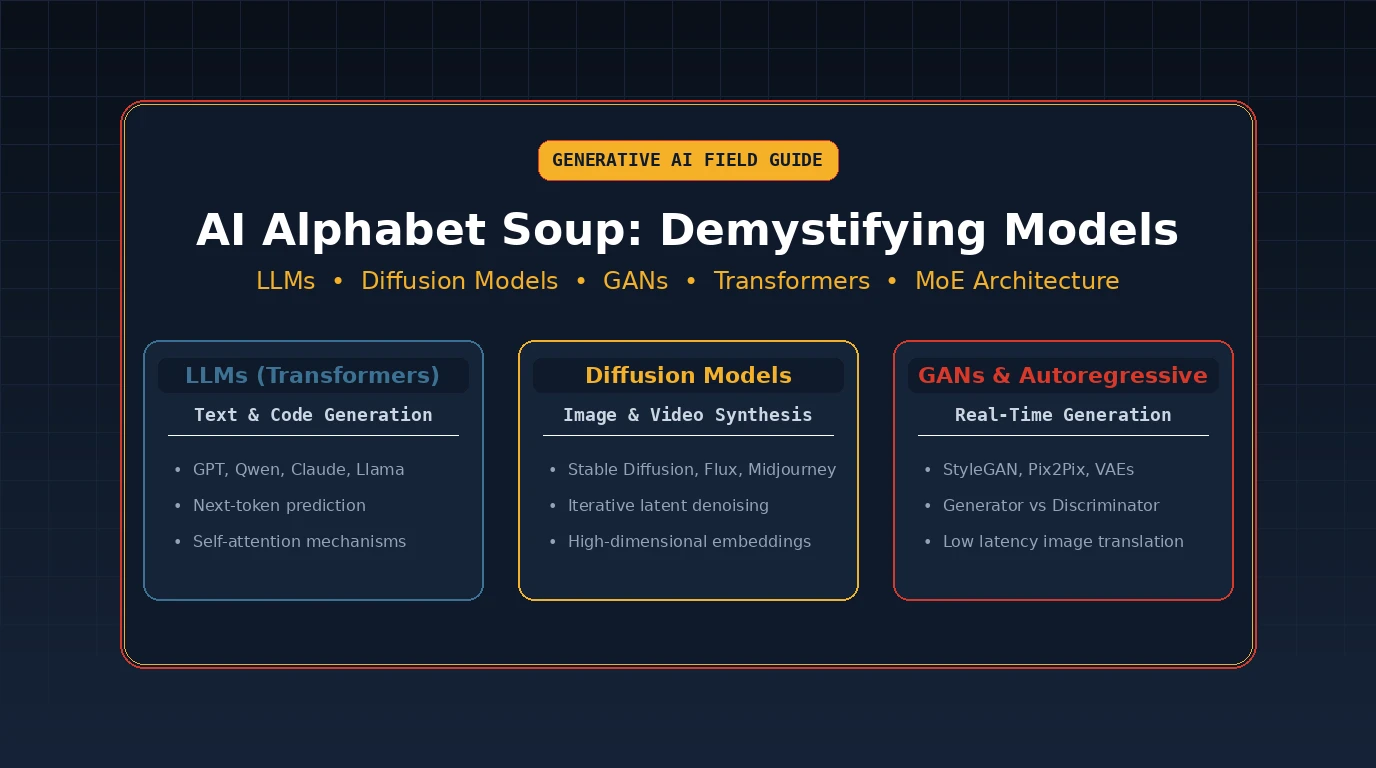
"AI" gets used as one giant catch-all word, which is a bit like calling every vehicle on the road "a car." Let's sort the traffic. First, the Three Big Buckets Almost everything people mean by "AI" falls into one of three nested categories - not separate universes, just increasingly specif...
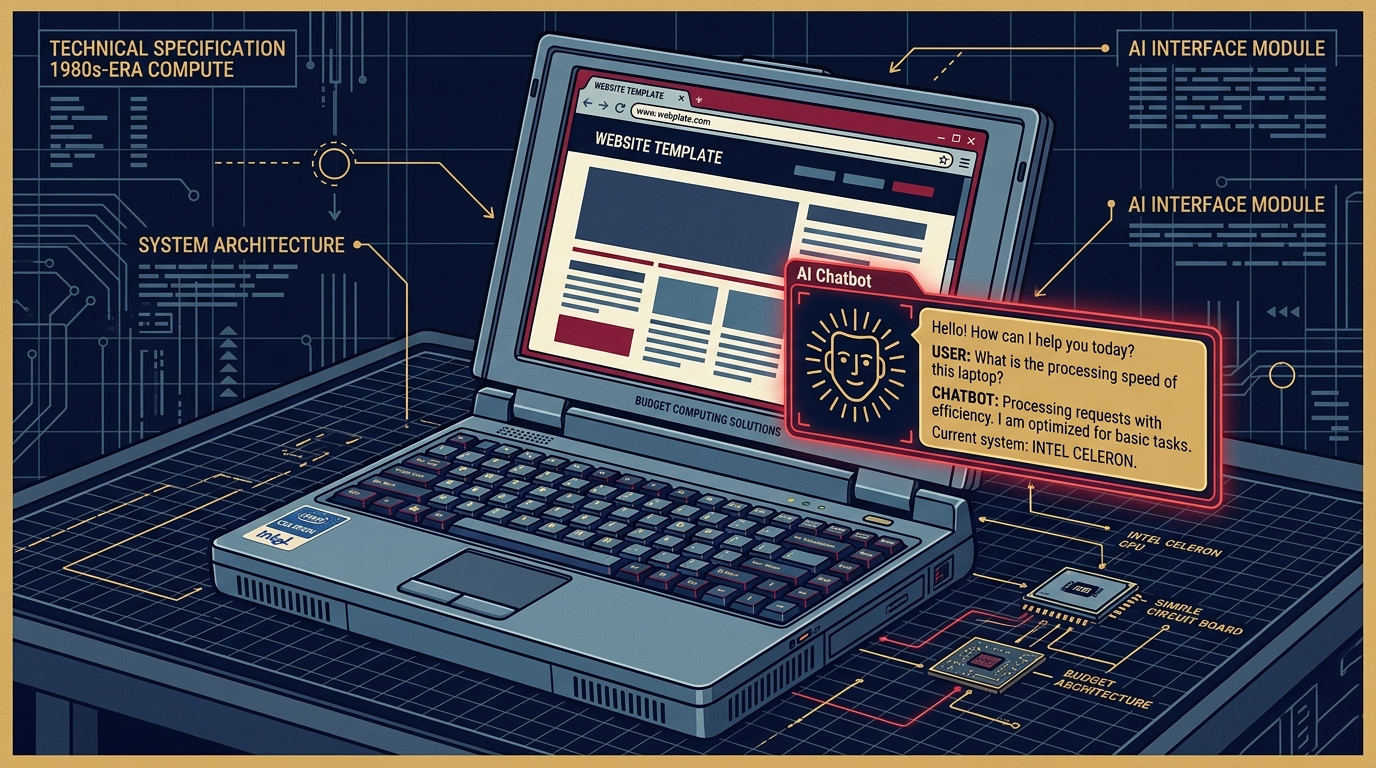
In Part IV of this series, we benchmarked local LAN and Tailscale mesh network latency for grav-ai-chatbot, proving that network transport was fast and reliable. But shortly after deploying reasoning models like qwen3.5:2b to production, users began reporting a perplexing bug: sending a sim...
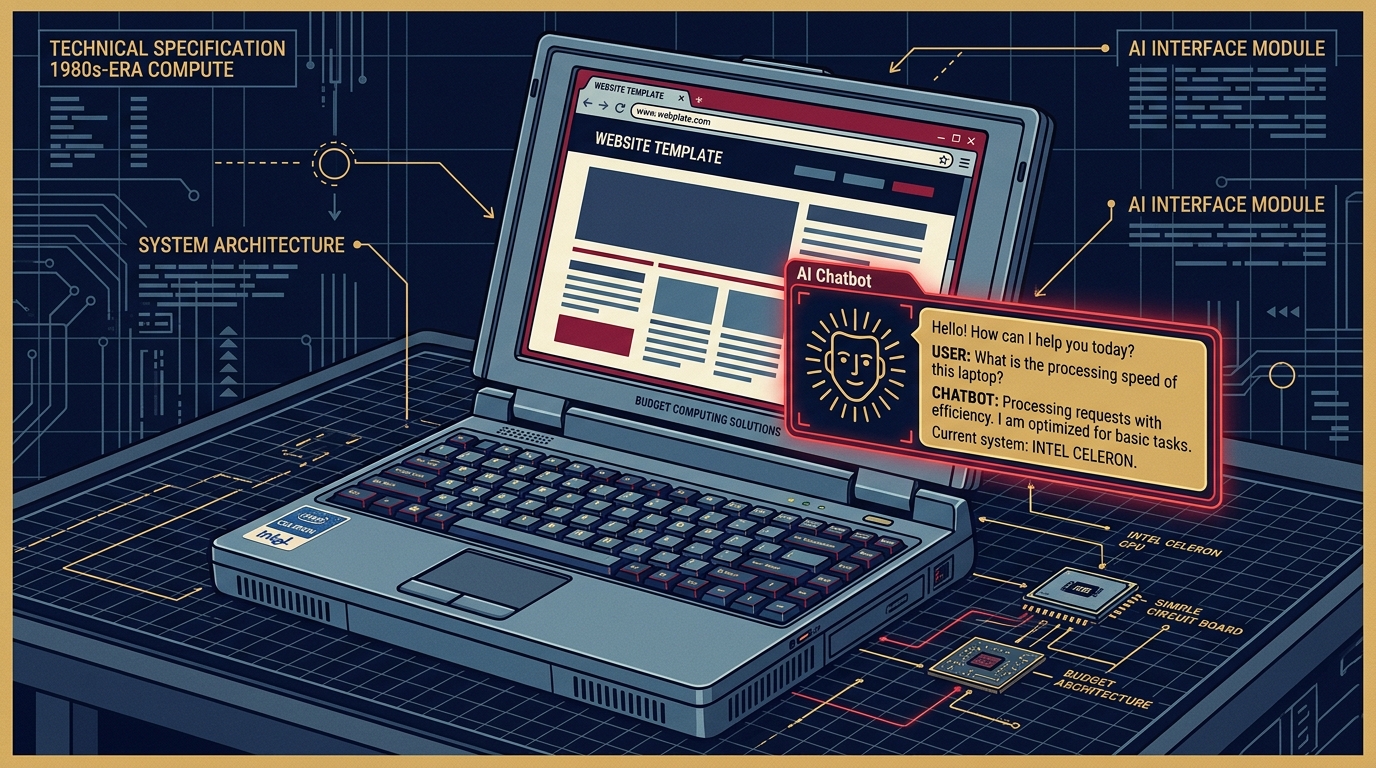
Benchmarking Ollama Over Tailscale & LAN: Squeezing Sub-Second Latency Out of the Grav AI Chatbot In Part III of this series, we built a 5-tier pipeline for grav-ai-chatbot, running local AI search on a 6-Watt Intel Celeron laptop. But once real traffic started hitting it from different dev...