A sleek cross-platform Flutter application that turns your phone into a live hardware telemetry dashboard for Apple Silicon systems running macmon.
Why Keep Opening Terminal Windows While Benchmarking?
When you are pushing Apple Silicon chips or Linux workstations with heavy LLM inference loads or video encodes, the last thing you want is another terminal window competing for screen space and GPU rendering cycles.
Milkys MacMon Mobile (github.com/milkboyinchina/Milkys-MacMon-Mobile) bridges the popular macmon command-line utility with your mobile device over local websockets. Mount your phone on a charging stand and monitor power draw, core frequency distribution, and thermal throttling in real time.
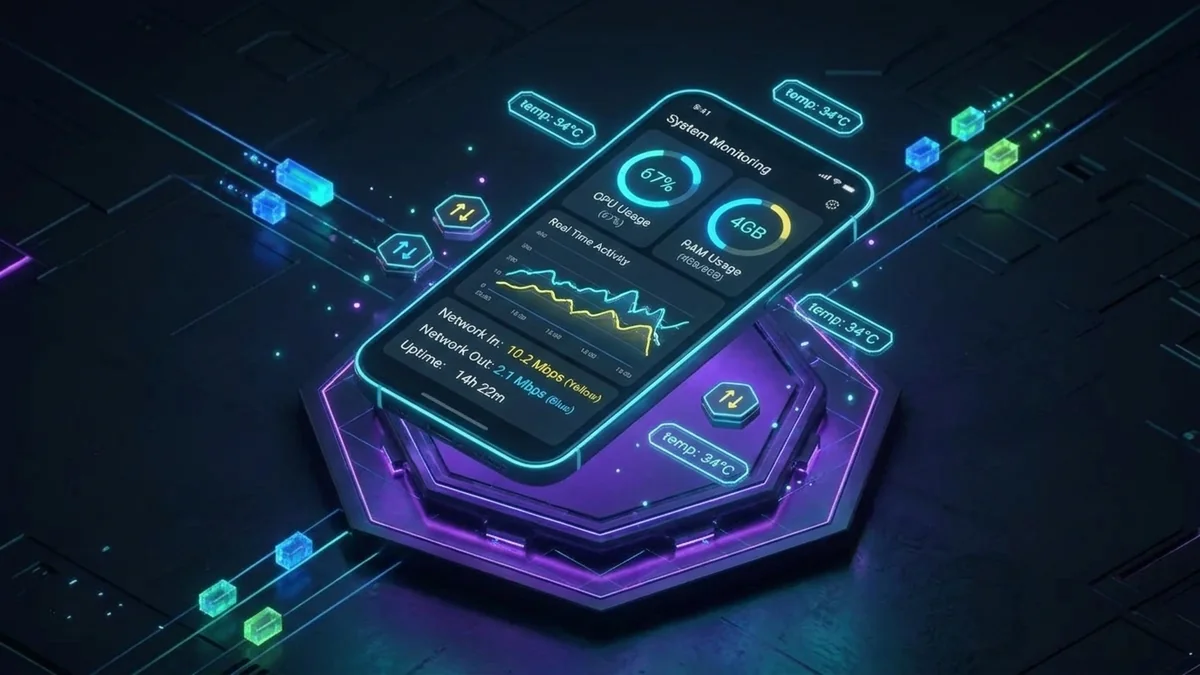
Key Features
- Flutter & Dart UI: Built with responsive widgets for smooth 60fps chart rendering on both Android and iOS devices.
- Apple Silicon Granular Metrics: Streams SoC package power, CPU cluster frequencies (E-cores and P-cores), GPU wattage, and ANE utilization.
- Thermal Headroom Alerts: Visual indicators signal thermal throttling before your system starts dropping execution frames.
- Low-Latency Local Sync: Connects directly to macmon telemetry daemons over local Wi-Fi with zero cloud relay delay.
Getting Started
# Clone the repository
git clone https://github.com/milkboyinchina/Milkys-MacMon-Mobile.git
cd Milkys-MacMon-Mobile

# Fetch packages and run flutter development build
flutter pub get
flutter run
Explore the codebase and releases on GitHub: milkboyinchina/Milkys-MacMon-Mobile.