Welcome to Milkboy Tech Blog
Insights on Software Engineering, DevOps, Containerization, and Agentic AI Systems.
Ollama on Intel Celeron, Part V: Deconstructing Chain-of-Thought (CoT) Pitfalls, KV-Cache Latencies, and System Rule Defenses In Part IV of this series, we benchmarked local LAN and Tailscale mesh network latency for grav-ai-chatbot, proving that network transport was fast and reliable. But...
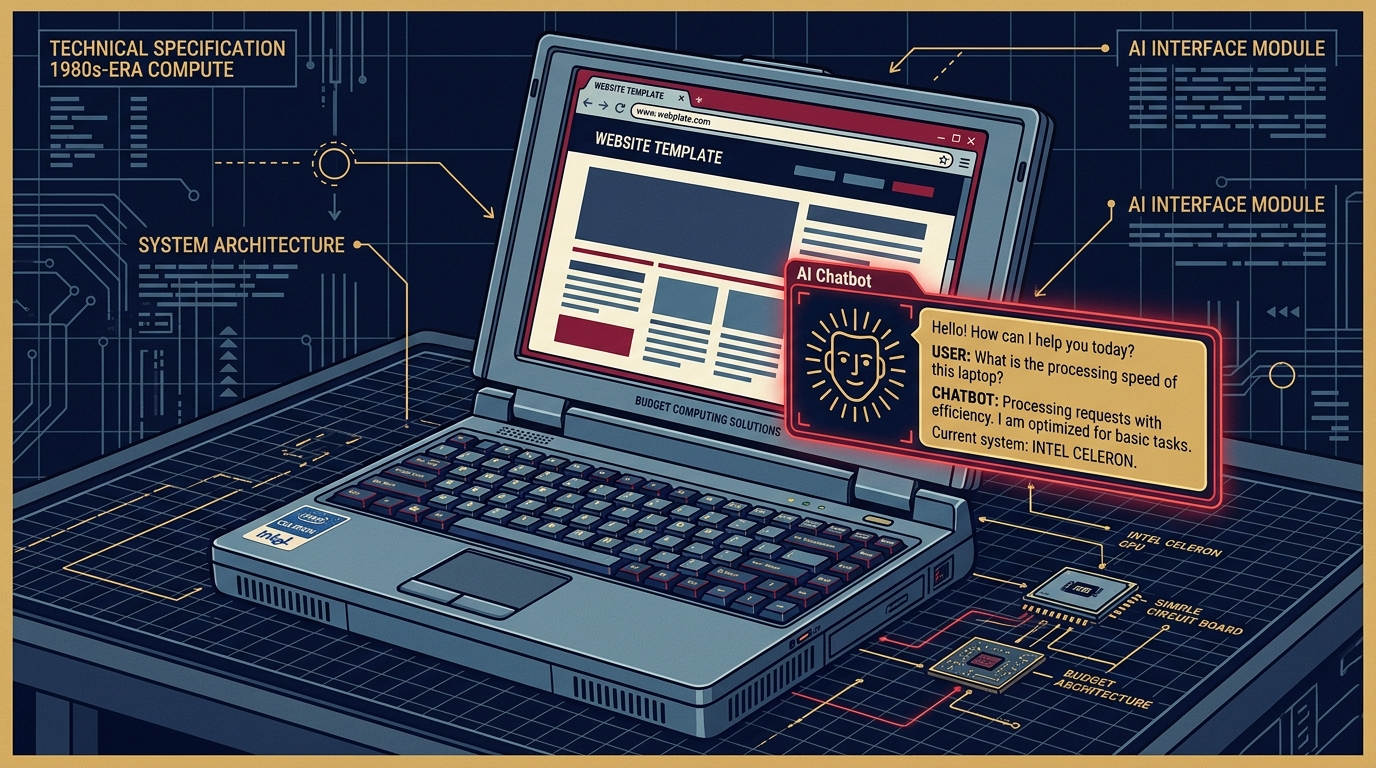
Benchmarking Ollama Over Tailscale & LAN: Squeezing Sub-Second Latency Out of the Grav AI Chatbot In Part III of this series, we built a 5-tier pipeline for grav-ai-chatbot, running local AI search on a 6-Watt Intel Celeron laptop. But once real traffic started hitting it from different dev...
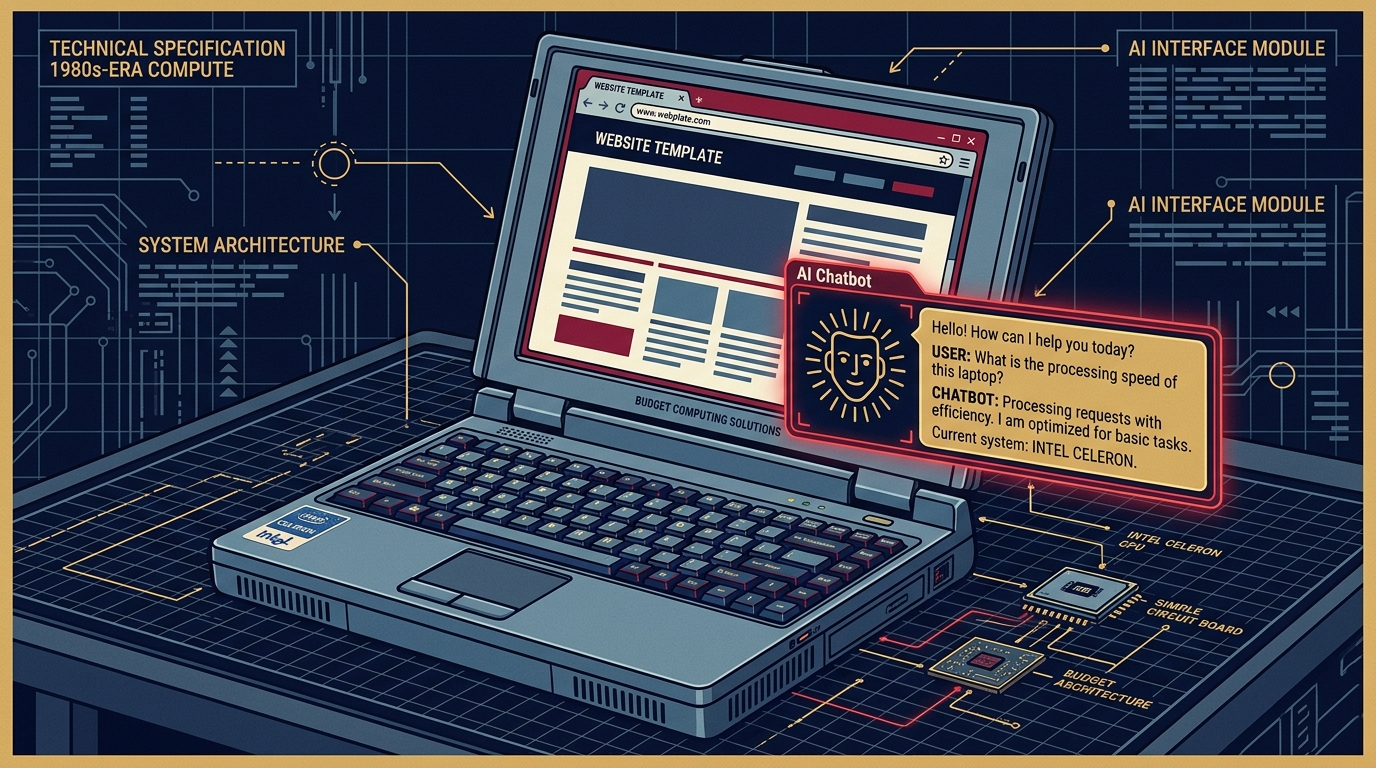
Fast, Local, and 6-Watt Powered: Squeezing an AI Chatbot into Grav CMS In the previous article, Self-Hosting Local AI on a Celeron N4100 Laptop, I proved that a low-spec, 6-Watt Celeron laptop with 8 GB of RAM could comfortably run Ollama and serve lightweight models like Qwen2.5 (0.5B)....
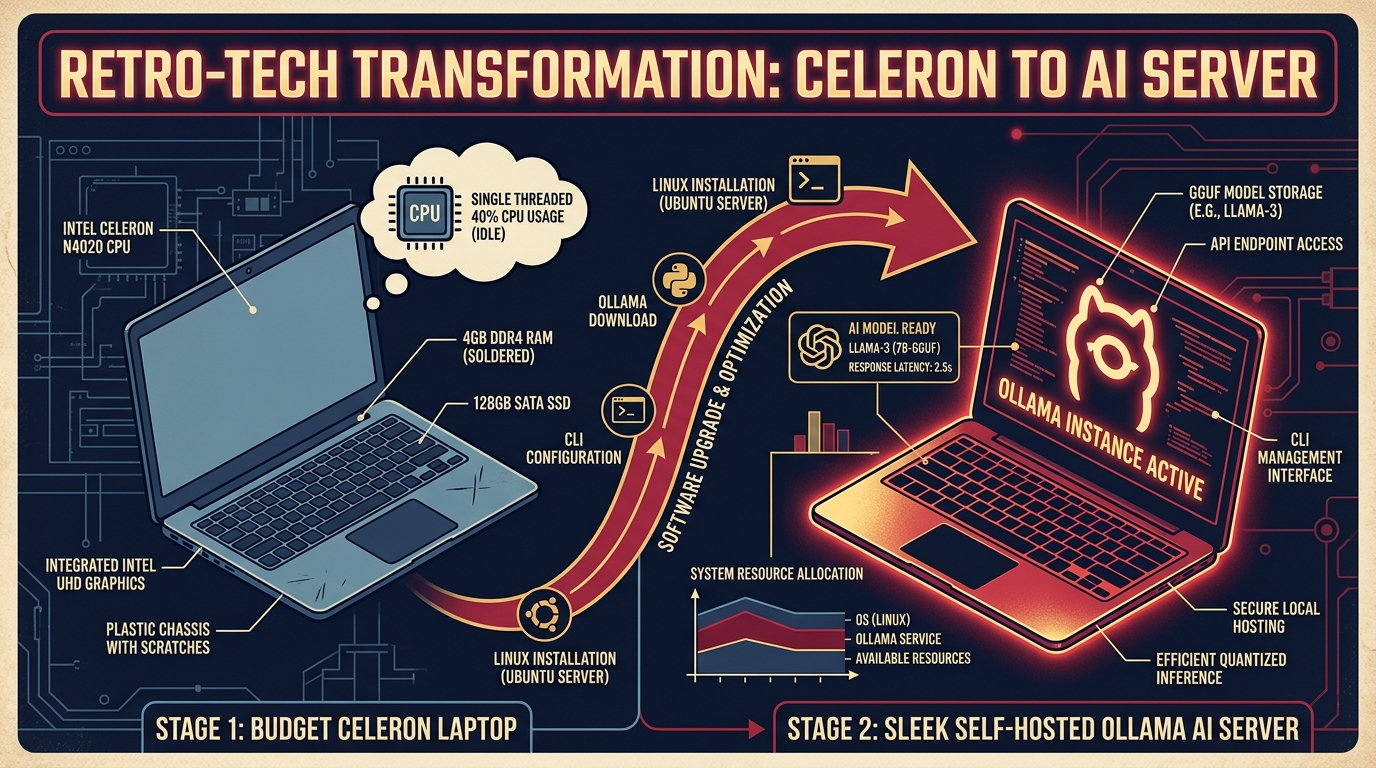
Self-Hosting Local AI on a Celeron N4100 Laptop: A Step-by-Step Guide (Yes, Really) The premise: you've got a spare budget laptop gathering dust in a drawer — an Intel Celeron N4100 with 8 GB of RAM. You want to turn it into a private, self-hosted AI server using Ollama. Is it ridicul...

Ollama on Intel Celeron, Part I: Squeezing Local LLMs Out of a sub-$100 Laptop Picture the "local AI" setup everyone talks about: a gaming rig with a glowing NVIDIA GPU that costs more than a used car. Now picture the opposite — an Intel Celeron N4100 mini PC with less than 8 GB of usable RA...